Physical Address
60 Ekwema Cres, Layout 460281, Imo
Physical Address
60 Ekwema Cres, Layout 460281, Imo

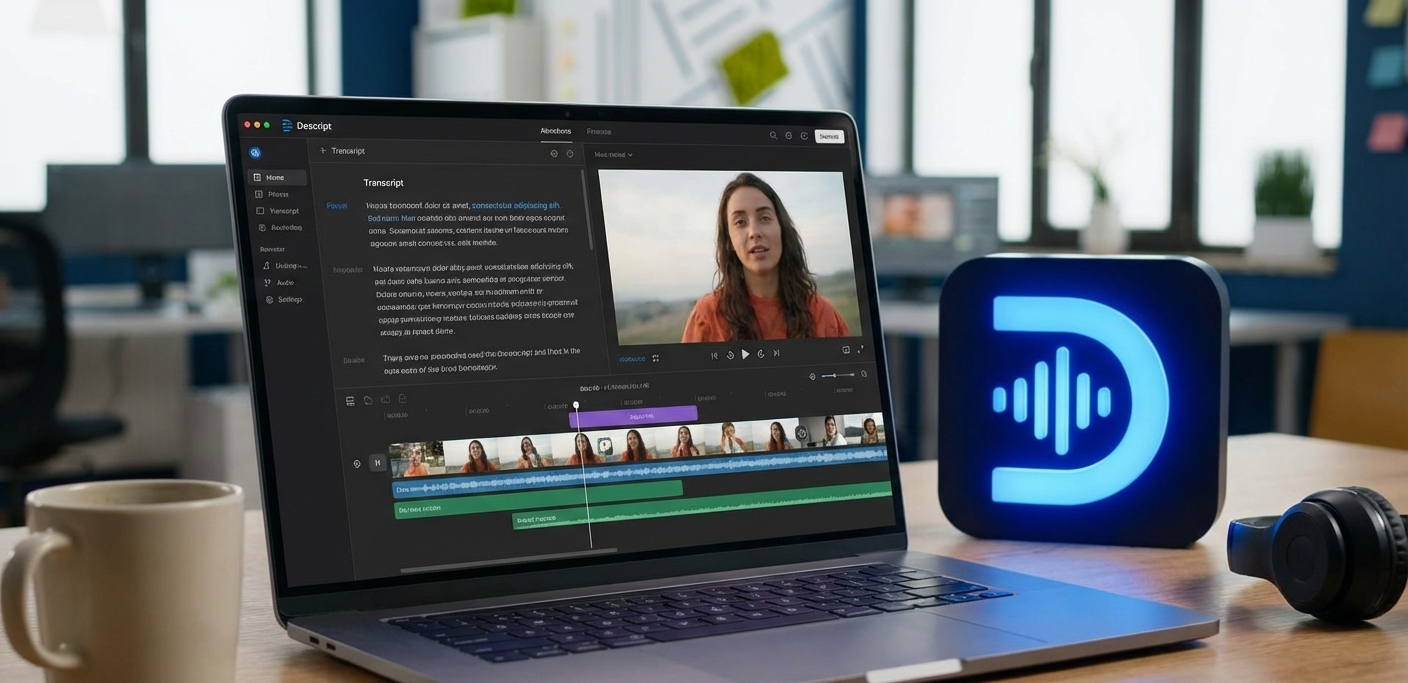
A lot of video and audio editors are gradually turning AI technology that enables them find all in one tools for content creation. This demand has led to the emergence of a lot of software that offer flexible and ease for users.
One of such software is Descript AI. Descript AI is an all-in-one multimedia editing platform that uses artificial intelligence to simplify the creation and editing of audio and video.
This article will explore the nature of Descript AI, its features and uses, and discuss the way the technology works behind the scenes.
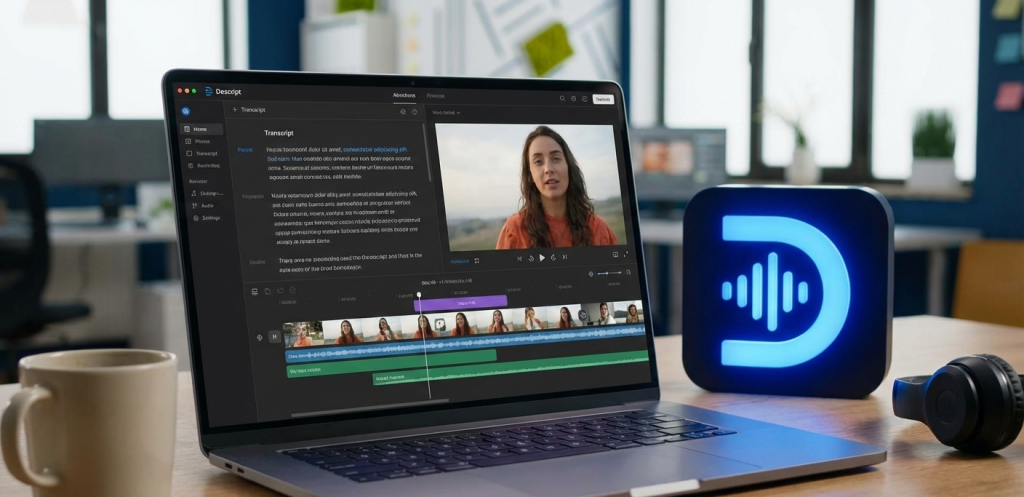
Descript AI is an audio and video editing software service that works with media files as documents. When you post either audio or video file to Descript, the system automatically creates a transcript.
Launched by Andrew Mason (formerly of Groupon), Descript has become popular with podcasters, video creators, educators, and businesses.
It allows you to edit recordings by editing text, removing unwanted filler sounds, cloning voices, and even generating visuals from prompts.
Descript comes in the form of desktop software (Mac and Windows), and a web application. It is freemium: a free version offers simple editing (such as 1 hour of transcription per month), whereas paid versions allow access to longer transcription, higher quality exports, more usage of Overdub voice and tools to collaborate with other team members.
Explore the 12 Best AI Market Research Tools for Tech Projects
Descript AI includes a rich set of tools aimed at speeding up audio/video production. Key features include:
The core feature is the ability to edit media by editing text. Descript automatically transcribes your audio/video into text. You see a script view of your recording. If you delete a sentence in the transcript, the corresponding audio/video segment is cut out.
Change a word in the transcript and Descript updates the audio/video accordingly. This makes tasks like cutting out mistakes or rearranging sections as easy as editing a document.
Overdub allows you to clone any voice (with consent). By training on recorded audio samples (30+ minutes is typical), you get a synthetic voice model.
At this point, you can enter new dialogue and the AI of Descript will render it a sounding version in the voice of a natural person. It can be used to correct recording or create a voiceover without re-recording.
Descript released Overdub to free and creator plans (with certain vocabulary restrictions) in April 2025.
Descript has the ability to automatically remove filler words (um,uh,you know, etc) as well as undesirable pauses.
It will automatically scan the transcript and delete the disfluency in the audio with just one action (Edit – Remove Filler Words). This edits interviews or talking-head videos easier.
Descript provides one-click noise reduction with machine learning models, which improves the sound of voices.
It is able to eliminate background noises such as hiss, hum or distortion of the audio tracks, producing a sound of high quality in the studio. This significantly enhances audio of less-than-ideal recording conditions.
Descript comes with an inbuilt screen and web camera recorder. You are able to record your screen, camera, and microphone at the same time and it will generate individual, named tracks.
It is best suited when creating tutorials or presentations. It also has multi-camera inputs, and it automatically recognizes multiple speakers.
Check out to see the 10 Tech Millionaires in Nigeria
The video editor has options to replace a background or erase the background. With AI, one can use the green screen effect that uses a digital background.
Descript can also reframe your video to improve “eye contact,” centering the speaker’s face.
Descript projects are cloud-synced, so teams can collaborate. You can invite others to view or edit a project, leave comments on the transcript, and version history is maintained.
The platform also provides one-click publishing to podcast hosting services and social media, simplifying distribution.
The software bundles royalty-free stock assets. There’s a library of images, videos, and music. Descript also offers AI-generated visuals (via the “Generate” feature or template scenes) and video templates for things like social media clips, animated title cards, or looping backgrounds.
Descript also has several productivity-related AI text functions in addition to audio and video editing.
Of the examples, you can create a video script based on a prompt ( AI Video Maker ), request the AI to list main points or write show notes, and even co-write part of your script with Descript, using its GPT integration.
Underlord is Descript’s chat-driven assistant. You can type natural-language commands or prompts (e.g. “turn this paragraph into a bullet list” or “find and remove all ‘like’ fillers”), and Underlord will execute them in the project.
Underlord is powered by large language models and evolves with new instructions.
In essence, Descript blends conventional editing with many AI-powered aids. Traditional timeline operations like splitting and crossfading still exist, but most users rely on Descript’s text interface for quick changes and let AI tools handle repetitive cleanup tasks.
Check out the 10 Best Google Ads AI-Powered Tools to Help Marketers Ad Campaigns

Descript AI is used for a wide range of media creation and editing tasks:
Podcasters love Descript because it automates many chores. After recording, the transcript allows them to delete stutters and fillers just by hitting delete on the text.
Overdub can replace misspoken words without re-inviting guests to record again. Teams can craft show notes and promotional clips within the same tool.
Descript eases the process of editing, whether it is for YouTube or corporate education. Teachers listen to lectures through it to edit them within a relatively short period; marketers to produce advertising videos.
It is also useful in making video content more accessible to people around the world since it is easy to caption and translate (by adding built-in transcription).
Content creators are able to upload any media file and receive a quick transcript with reasonable accuracy. It can be helpful when a journalist or a researcher wants to have a textual record of an interview or a video.
It is also fast in repurposing content with a video being converted to an article.
The interface of Descript to record long videos into shorter ones is useful for social media posts. You can underline a quote in the transcript and save only that part.
Shareable shorts or audiograms are readily created using automated templates on existing content.
Overdub allows agencies and creators to create high-quality voiceovers without the need to employ speakers.
As an example, a marketing team can translate a video into a different language, input the translation into Overdub and create a dubbed track using the accent of the original speaker.
Customers make fast internal videos (such as announcements or self-learning) through Descript.
Since it is simple to edit (the non-technical individuals can utilize it) and a collaborative tool, a manager can record a message and have it refined without the use of more complex software.
Descript can record remote meetings (up to 10) in studio-quality and automatically transcribe, and teams can draw highlights.
This will save time taken on meeting minute-taking or sharing summary clips.
Read about 10 Free Tech Training in Nigeria
Descript has “AI Actions” that have an option of transforming your media transcript into posts on your blog, social posts, summary points on bullet points, etc.
A podcaster can automatically create a description of an episode or a video can be transformed into a script to be sent in an email blast.
Since Descript is an auto-generated captioning and transcription tool, it is easier to create accessible forms of audio and video that help the hearing impaired.
Descript AI’s uses span all stages of audio and video content workflows. It is popular among creative professionals and amateurs alike because it lowers technical barriers.
You don’t need deep video-editing skills – you can start up with the text editor interface of Descript and have AI do the hard work.
It democratizes the process of multimedia production, meaning that one can create high-quality content using small teams or even individuals, without expensive tools or skills.
Read also: What Is Janitor AI? Features, Uses, & How It Works
Descript AI is based on several different underlying technologies, however, its user interface can be described in several main steps:
Importing a file, Descript is powered by sophisticated speech-recognition models, and, it transcribes all words into text. Its recognition is good with standard dialects (usually more than 95% with good audio quality).
The transcript is synchronized with time and thus every word is associated with the right location in the audio or video.
The original media files are kept in intact. The text transcript and timeline edits exist as instructions. When you edit text (delete or rearrange), Descript updates a hidden edit list.
It then applies those changes during playback or export without altering the original recording files. This means you can always undo edits if needed.
Thanks to modern processing, small transcript edits update the media immediately in the interface. For example, removing a sentence in the text view instantly cuts that part from the preview.
This is implemented by mapping text segments to media timestamps.
Descript uses trained neural networks for specific tasks. For filler removal, it runs a detector that flags common filler words, then automatically splices them out of the audio with minimal audible jump.
For noise reduction, it passes the audio through AI noise filters (based on techniques similar to iZotope’s RX). These operations happen behind a simple button in the UI.
Read about 20 Most Trusted Online Daily Earning Websites Without Investment in 2026
Overdub uses deep learning speech synthesis models. When you train an Overdub voice, your voice samples are fed into a neural voice model.
Later, when you type new text, that text is turned into audio via that voice model. Descript acquired the Lyrebird voice cloning tech for this purpose.
The AI effectively “speaks” the text in your voice, and then inserts that synthesized audio into your project, synchronized to the transcript position.
Descript’s AI video generation (Underlord’s “Generate” and templates) uses generative models (likely diffusion and DALL·E/Gemini-class image models).
For instance, the video maker or animated backgrounds are created by issuing your text prompt to an AI model (such as Veo or PixVerse engines mentioned in help docs).
Descript then embeds the generated visuals into your video composition. The user can preview and fine-tune the output.
Underlord combines a language model with Descript’s editing commands. When you enter a command in plain language (like “remove all pauses longer than 0.5 seconds”), Underlord translates that intent into editing actions on the project.
Essentially, it’s a specialized chatbot trained on media-editing tasks.
After editing, Descript packages together all your changes into a final timeline and allows one to export audio or video.
It can either export the audio in WAV/MP3, or export the video in different resolutions (when there are several participants or tracks to be rendered simultaneously). It also maintains metadata such as labels of speakers.
All in all, Descript AI presents machine learning in a very user-friendly interface. You read, you edit, and all the hard work (Speech-to-text, voice cloning, noise removal, etc.) is done in the background with the help of the AI models.
That is why the editing process is fast and easy, and the functionality such as the ability to make visuals after receiving a prompt is a few clicks away.
See also: Top 15 AI Game Generators
Yes. Descript offers a free plan
CapCut excels for creators focused on fast, mobile-friendly video editing with rich effects tailored for social media engagement.
Descript delivers powerful transcription and audio editing tools for teams producing spoken-word content, podcasts, and educational videos.
Podcasters and interview-based content creators often gravitate toward Descript, while music producers and audio engineers frequently prefer Audacity’s more traditional approach.
Monthly Plan: From $19 to $50 per month
Descript AI is transforming the production and editing of audio/video material. It significantly reduces the time of editing by treating the media as a piece of text and swamping intelligent tools all over it.
Such features as an instant transcription, voice cloning, filler removal, and AI generated video content can be useful to podcasters, educators, marketers, and filmmakers.
In case you have ever wished that it was as easy to edit video as it is to edit a document, Descript AI makes it as close to that dream as it can get nowadays.