Physical Address
60 Ekwema Cres, Layout 460281, Imo
Physical Address
60 Ekwema Cres, Layout 460281, Imo

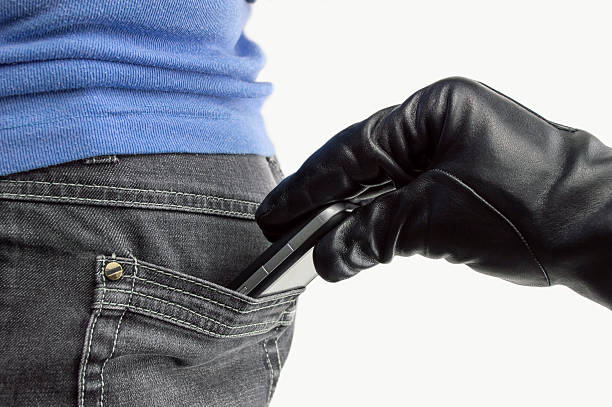
You’re rushing through a crowded market, and suddenly your pocket feels lighter, your phone is gone. What to do when your phone is stolen hits hard because that little device holds your whole world: bank details, photos, messages, everything. If your phone is stolen in a blink, don’t freeze up; quick moves can save your data and maybe even get it back.
1. Stay Calm and Act Fast
First off, take a deep breath, panicking wastes time. Right away, call your phone from another line to see if someone picks up; a kind stranger might return it. Next, grab any other device and use built-in trackers like Google’s Find My Device (now Find Hub in 2025) for Android or Apple’s Find My for iPhone, these show real-time location, even offline thanks to nearby devices. Mark it as lost to lock it remotely with a custom message like “Call me if found, reward offered!” This stops thieves cold.
2. Track Your Stolen Phone
For Android, log into android.com/find or the Find Hub app with your Google account, new 2025 features ping location every few minutes, work offline via Bluetooth crowdsourcing from a billion+ devices, and let you play a sound. iPhone users hit iCloud.com/find or the Find My app; Lost Mode locks it, shows your number on screen, and tracks even after the battery dies (up to 24 hours on newer models). Dial *#06# on another phone or check your box/settings for the IMEI number, it’s your golden ticket for tracking.
Read Next: Tala Partners with Huma Finance to Launch a Scalable Tokenized Lending Platform
3. Secure Your Accounts
Thieves love raiding apps, so change passwords fast starting with email (it’s the key to everything else), then banks, social media, Amazon, Netflix, use strong, unique ones and switch 2FA to an app like Google Authenticator, not SMS. Call your bank to freeze cards linked to Google Pay or Apple Pay, and watch statements for funny business. Enable biometrics and alerts everywhere to lock things down tight.
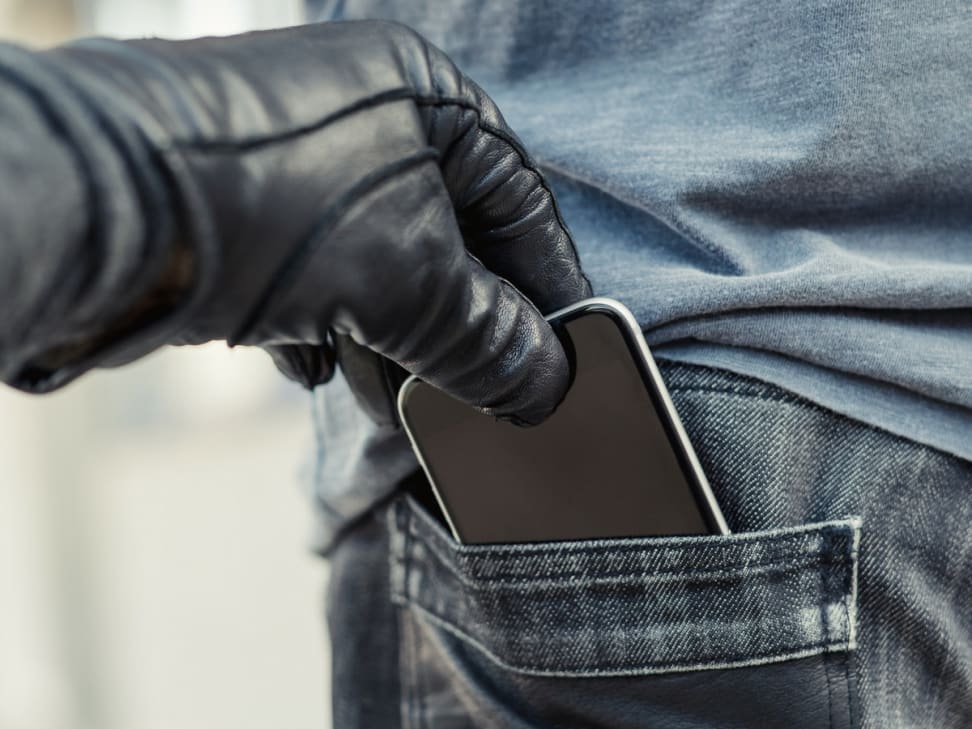
4. Block SIM and Report It
Ring your carrier pronto, MTN dial *123*7*4#, Glo or Airtel hit 300, 9mobile 200, to suspend the SIM and blacklist the IMEI, making the phone useless on networks. Head to the police station or call non-emergency (like 101 in some spots) with IMEI, location from tracker, and theft details for a report, it’s proof for insurance too. Warn family about scam texts from your number.
Read Next: Controversy Grows Around Starlink Access in South Africa
5. Wipe Data and Claim Insurance
If recovery looks slim, remotely erase everything via Find My tools, it factory resets when the phone connects. Contact your insurer (AppleCare+, carrier plan, or home policy) with a police report, IMEI, and incident details; fill their form accurately for a replacement payout. Remove the device from your Google/Apple account after.
6. Don’t Let It Happen Again
Back up data weekly, slap on a Bluetooth tracker like AirTag, use straps or zipped pockets, and never leave it out in public. Lock SIM with PIN, auto-lock screen quickly, and keep IMEI noted safely. Thieves hate prepared folks.
Was this information useful? Drop a nice comment below. You can also check out other useful contents by following us on X/Twitter @siliconafritech, Instagram @Siliconafricatech, or Facebook @SiliconAfrica.