Physical Address
60 Ekwema Cres, Layout 460281, Imo
Physical Address
60 Ekwema Cres, Layout 460281, Imo

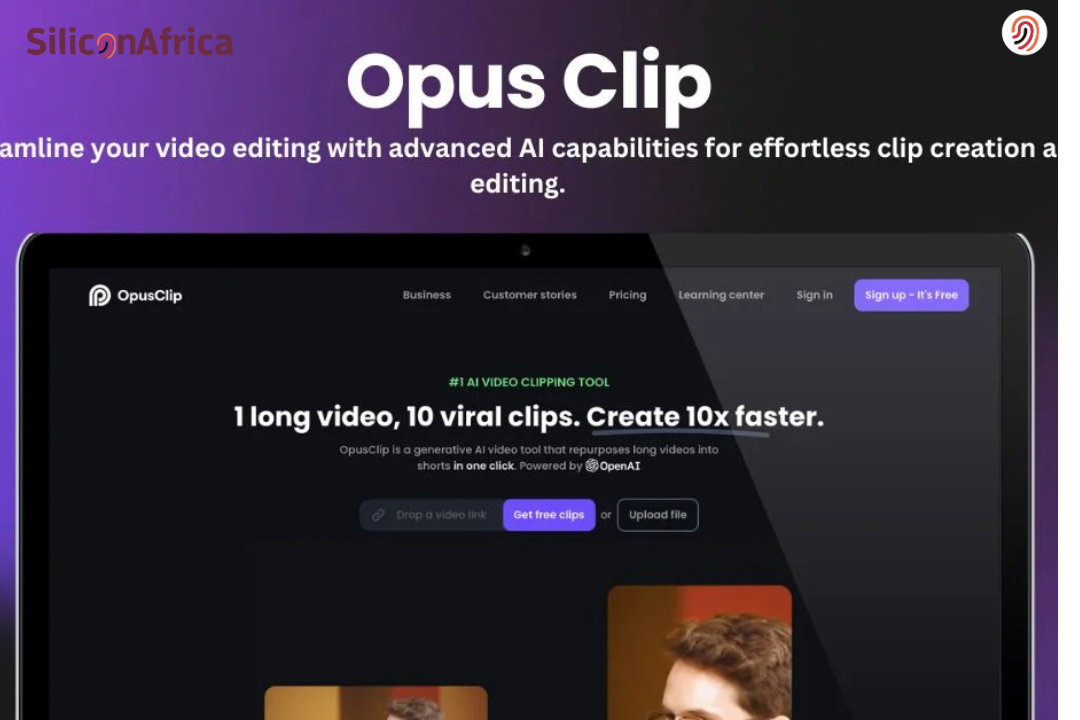
Opus Clip AI is quickly becoming a go-to for creators wanting to turn long videos into awesome short clips without spending hours editing.
These days, TikTok, Instagram Reels, and YouTube Shorts are where folks spend their time, get ideas, and decide what to buy.
But not every marketing team has the time to turn a 40-minute talk or podcast into a short, cool clip that grabs attention. That’s where Opus Clip comes in to make it easy.
Opus Clip is a video tool powered by AI that’s making a splash in content marketing.
In this article, we’re breaking down what Opus Clip AI is, how it works, the stuff that makes it like, how to use it without paying, and if you should think about something else.
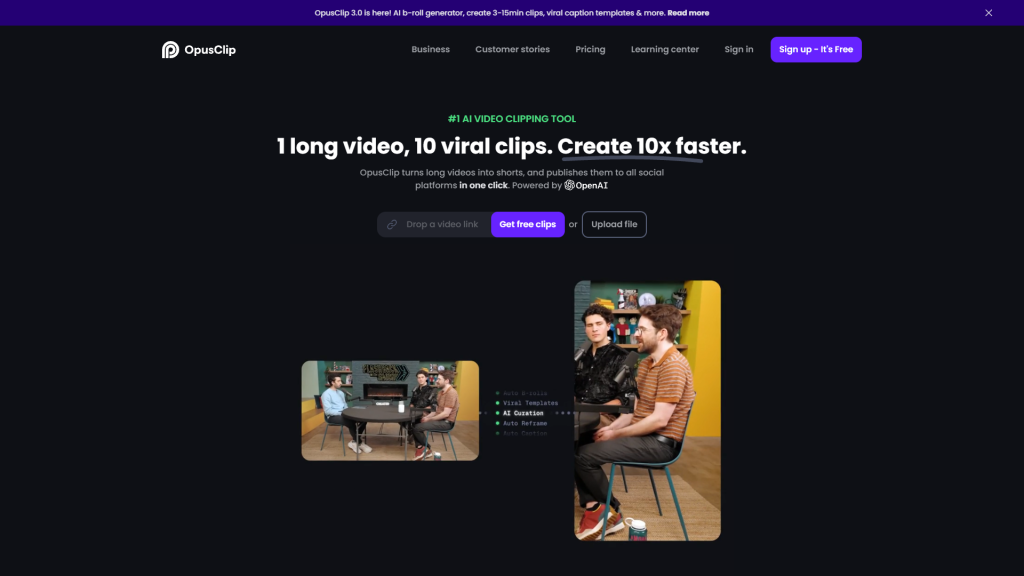
Basically, Opus Clip AI is a smart video helper.
You put in a long video, like a talk, podcast, interview, live stream, teaching thing, or even a YouTube video. The tool looks at everything using computer smarts.
It finds important parts that get people hooked, make them feel something, or could go viral. Then it cuts those parts into short clips for places like TikTok, Instagram Reels, and YouTube Shorts.
The cool thing is how fast it is. Instead of watching your own hour-long video and cutting 10 clips yourself, Opus Clip does the work in minutes.
For creators who don’t like editing, this tool is like getting a video editor without the cost.
Also Read – 10 Best Websites Like Neal.fun for Entertaining Activities
Opus AI is perfect if you’re a content creator, marketer, or an e-commerce brand looking to take your video content to the next level without the steep learning curve or time commitment typically associated with video editing.
Opus Clip AI works by using machine learning and natural language processing to understand your video the way a human editor would.
Once you upload a long-form video, the system transcribes the audio into text. It doesn’t just convert speech to captions. It analyzes tone, pacing, keywords, and emotional spikes. The AI looks for moments that feel engaging, insightful, or high-impact. That’s how it predicts which parts have viral potential.
From there, it automatically segments the video into shorter clips based on topic shifts and strong hooks. It reframes the footage into vertical format using facial detection and speaker tracking, keeping the main subject centered. At the same time, it generates dynamic captions synced to speech.
The result is a set of short, optimized clips created through automated content analysis, smart scene detection, and engagement prediction all done within minutes without manual editing.
Read Also – Apple Selects Google’s Gemini AI to Power Siri
Basically, it’s for anyone who makes videos and wants more people to see them. It’s good for:
Also Read – Nigeria Ranks 72nd in Global AI Readiness, Trails Egypt’s Regional Lead
When considering an AI video tool, cost is often a big factor – we get it.
So, how much is Opus Clips, and is Opus Clips free to use? The good news is that it offers a Free Forever plan that lets you try it out at no cost.
Beyond that, there are two main paid tiers (Starter and Pro) with extra features for those who need more.
Based on the successful reviews from the real power users of Opus AI in our previous section, integrating Opus AI into your content strategy is a smart move that can yield substantial benefits.
The content creation game is evolving, and you’ve got to evolve with it, don’t get left behind!
Here’s how you can do it:
Before getting into video creation, clearly define what you want to achieve. Are you aiming to boost engagement on social media?
Drive traffic to your website? Increase conversions through video marketing?
Knowing your goals will help you make the most of Opus Clip’s AI features
Once your goals are clear, focus on producing videos that actually deliver value. Use Opus AI to turn long-form content into short, engaging clips that match your objective.
Pay attention to clarity, pacing, and hook your first few seconds matter most. Add captions, clean visuals, and strong calls to action so viewers know exactly what to do next. Quality content keeps people watching and builds trust over time.
Great videos won’t help much if no one finds them. Use relevant keywords in your titles, descriptions, and hashtags so your content shows up in searches. Write clear, compelling titles that spark curiosity without being misleading.
Encourage interaction by asking questions, inviting comments, and responding to your audience. The more engagement your videos get, the more platforms push them to new viewers.
Don’t let your videos live in just one place. Share them across your social channels, embed them on your website, and include them in email campaigns.
Connect your video efforts with analytics tools, CRM systems, or ad platforms to track how they support your bigger marketing strategy. When everything works together, your content has a much stronger impact.
After publishing, track how your videos perform. Look at watch time, click-through rates, shares, and conversions. Identify what’s working and what isn’t.
Then refine your hooks, formats, or calls to action based on real data. Consistent improvement is what turns good content into high-performing content.
Read Also – Undress AI: the Popular App that Undresses Women and the Need to Regulate it
Let’s be honest. No tool is perfect. But here’s where Opus Clip AI shines.
For creators juggling multiple tasks, this feels like breathing room.
Transparency matters.
That said, most users find that the time saved outweighs these limitations.
Also Read – Google Launches Applications for 10th Africa Startup Accelerator, Focusing on AI Innovation
Some creators look for an opus clip alternative for different reasons. Maybe they want more manual control. Maybe they need advanced editing features.
Popular alternatives include:
Each tool has strengths.
The best choice depends on your workflow.
If speed and automation are your priority, Opus Clip AI usually wins.
OpusClip uses AI to watch long videos and see important parts, so it makes short clips that are good for social media.
Yes, Opus Clip automatically adds captions to your videos with over 97% accuracy, and you can edit them for clarity or customization if needed.
Opus Clip supports various video types, including YouTube videos, podcasts, webinars, interviews, and other long-form content, making it ideal for different creators and industries.
Yes, Opus Clip allows you to schedule your video clips for automatic posting to social media platforms like Instagram, TikTok, and YouTube, streamlining your content distribution process
Yes, Opus Clip provides customizable templates, so you can adjust the style, colors, and branding elements to ensure your videos match your brand’s aesthetic.
Making content now is tough. You’re told to post all the time.
Opus Clip AI makes it easy. It turns your long videos into short clips and makes editing go away. If you were wondering what Opus Clip AI is, it’s a tool that helps you make more content faster.
Try Opus Clip free and see how to use Opus Clip without paying. You might find you have weeks of content to be changed.
For more related articles like this, you can explore our homepage and kindly leave a comment and follow our social media platforms for more updates
Facebook at Silicon Africa
Instagram at Siliconafricatech
Twitter at @siliconafritech.